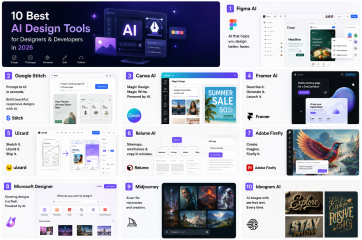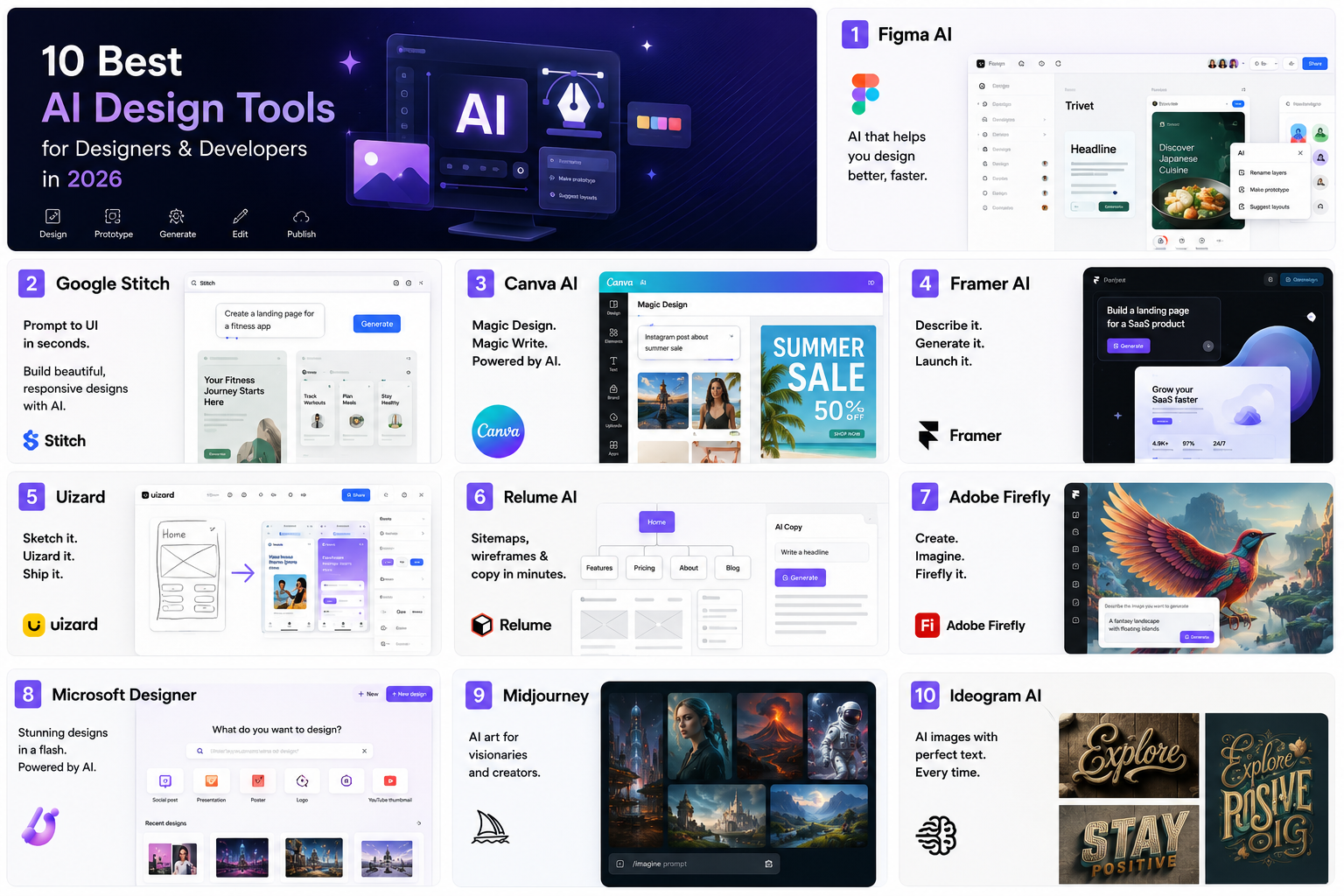
Artificial Intelligence has completely transformed the design workflow. Whether you’re a UI/UX designer, frontend developer, content creator, or digital marketer, AI-powered design tools can save hours of work while improving creativity.
From generating complete website layouts to creating stunning illustrations and editing images with simple prompts, these tools help professionals work smarter rather than harder.
In this article, we’ll explore the best AI design tools available in 2026, including their features, pricing, pros, and ideal use cases.
1. Figma AI
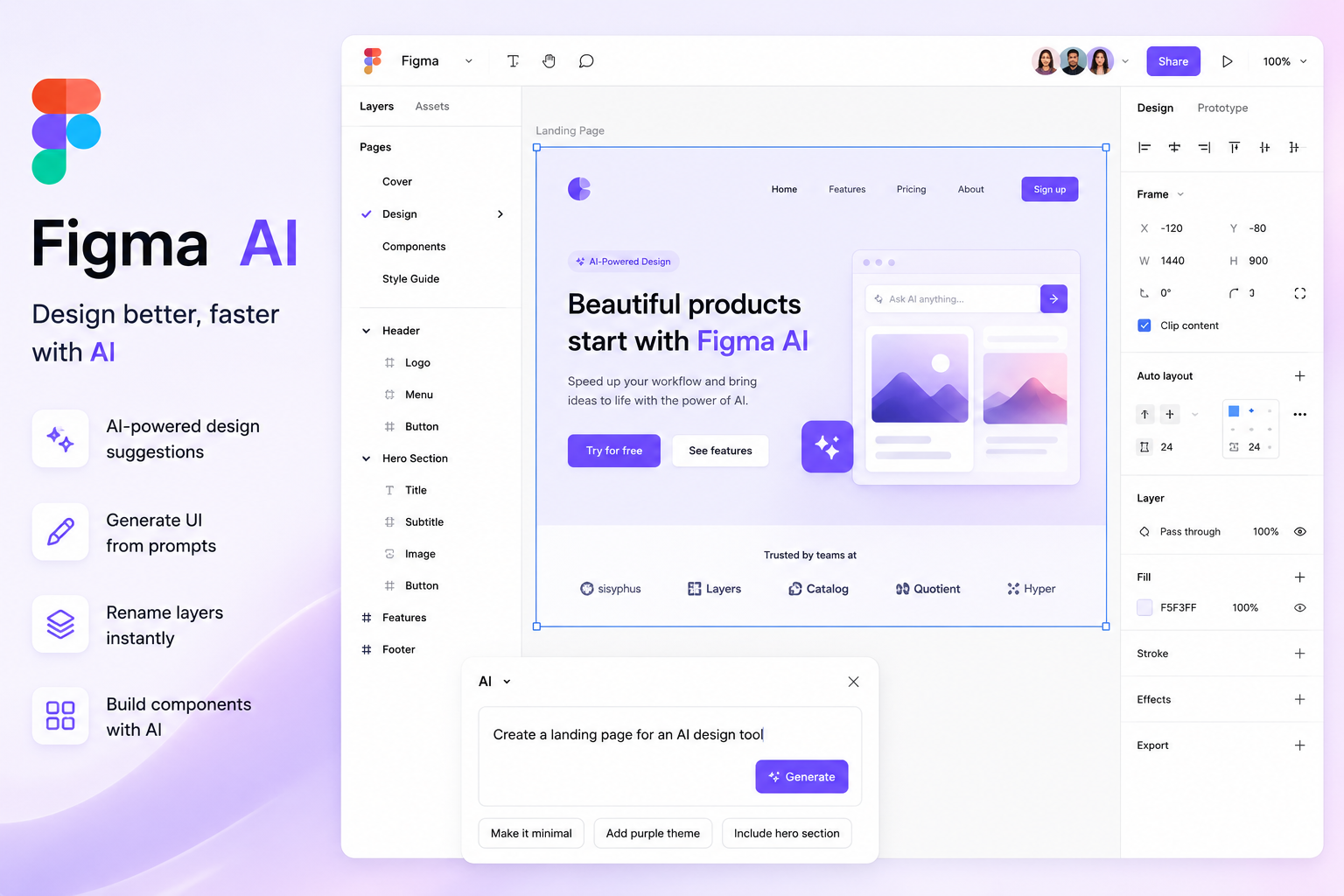
Figma AI is one of the most powerful additions to the popular design platform. It helps designers generate interfaces, rename layers automatically, create components, and even write design content.
Key Features
- Generate UI from prompts
- Auto Rename Layers
- Create Components
- AI-powered Search
- Design Suggestions
Pros
- Fast UI generation
- Excellent collaboration
- Native AI integration
Cons
- Some features require paid plans
Best For
UI/UX Designers and Product Teams.
2. Google Stitch
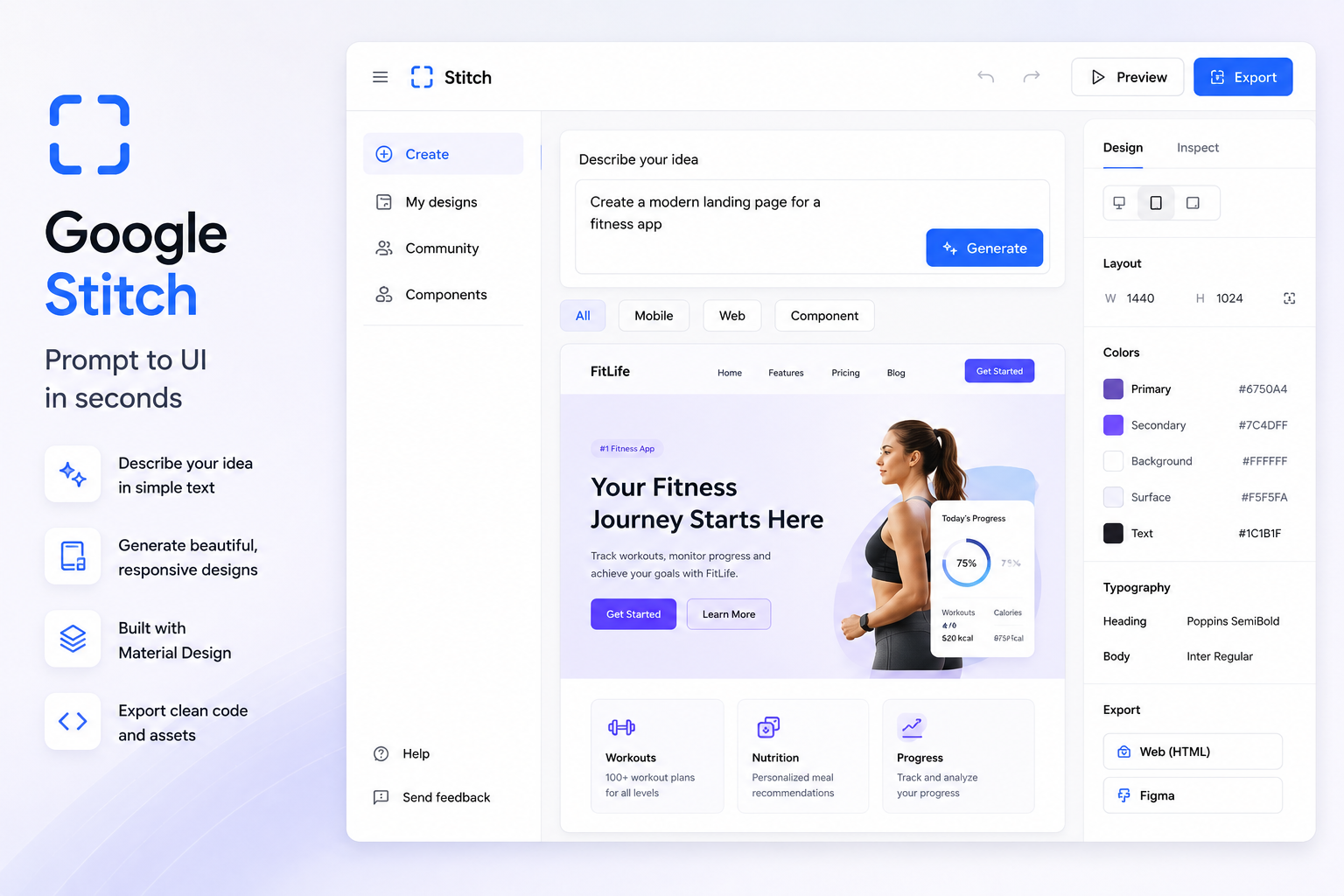
Google Stitch is Google’s newest AI-powered UI generation tool that converts simple text prompts into responsive website layouts.
Developers can quickly prototype applications without manually creating every section.
Highlights
- Prompt to UI
- Responsive layouts
- Material Design support
- Component generation
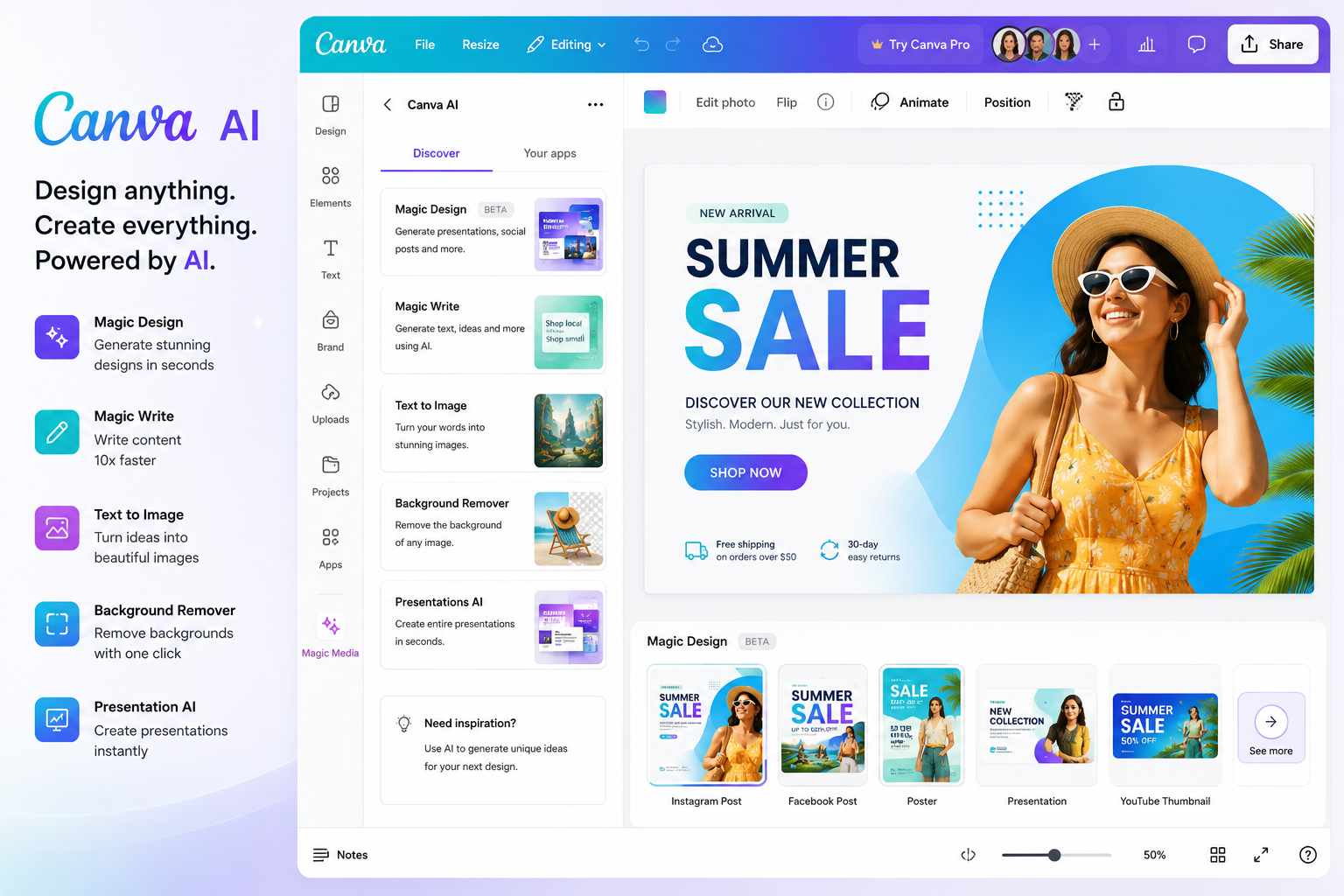
3. Canva AI
Canva AI combines Magic Design, Magic Write, and AI image generation into one easy-to-use platform suitable for beginners and professionals alike.
- Magic Design
- Text to Image
- Background Removal
- Presentation Generator
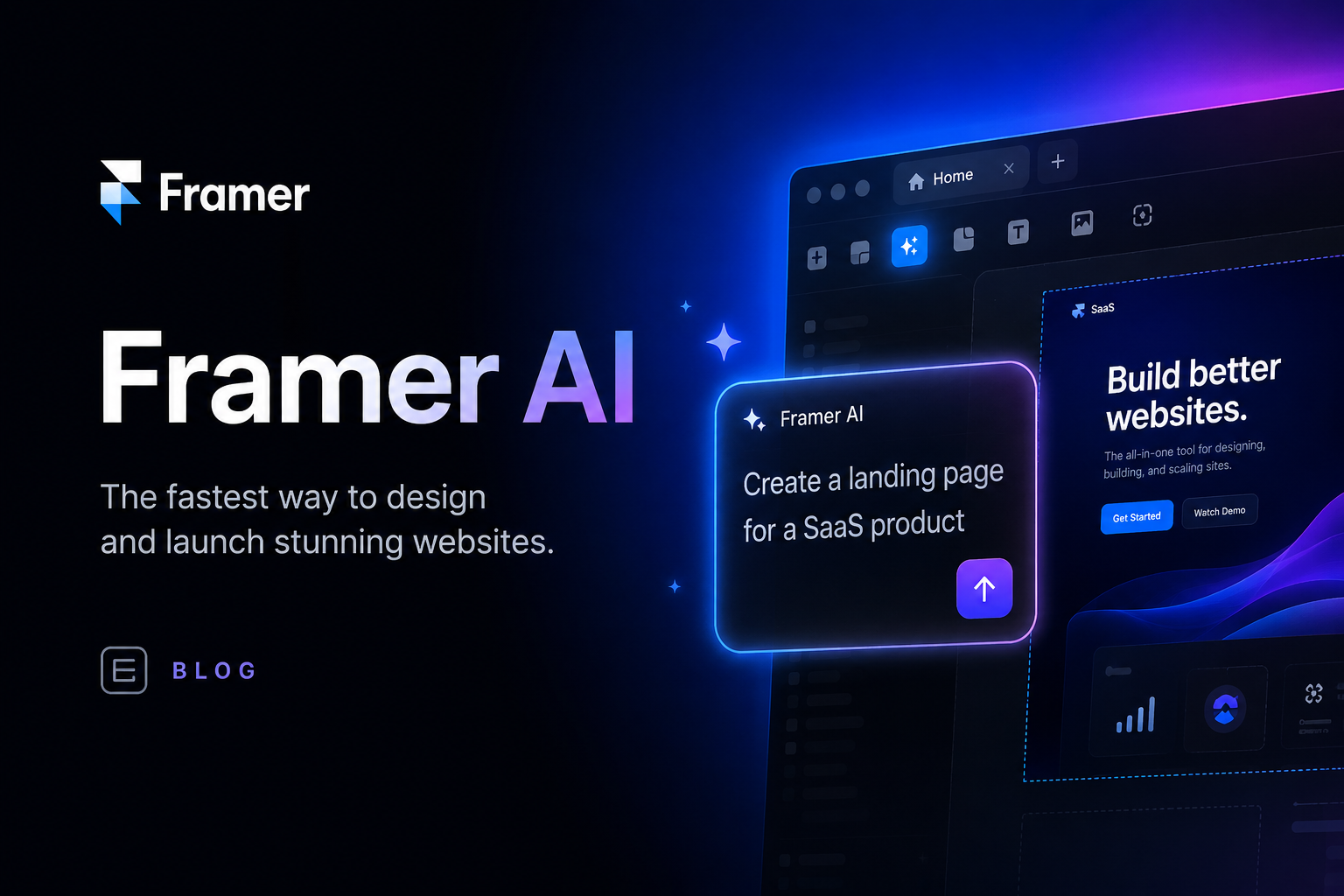
4. Framer AI
Framer AI can generate fully responsive websites simply by describing your idea.
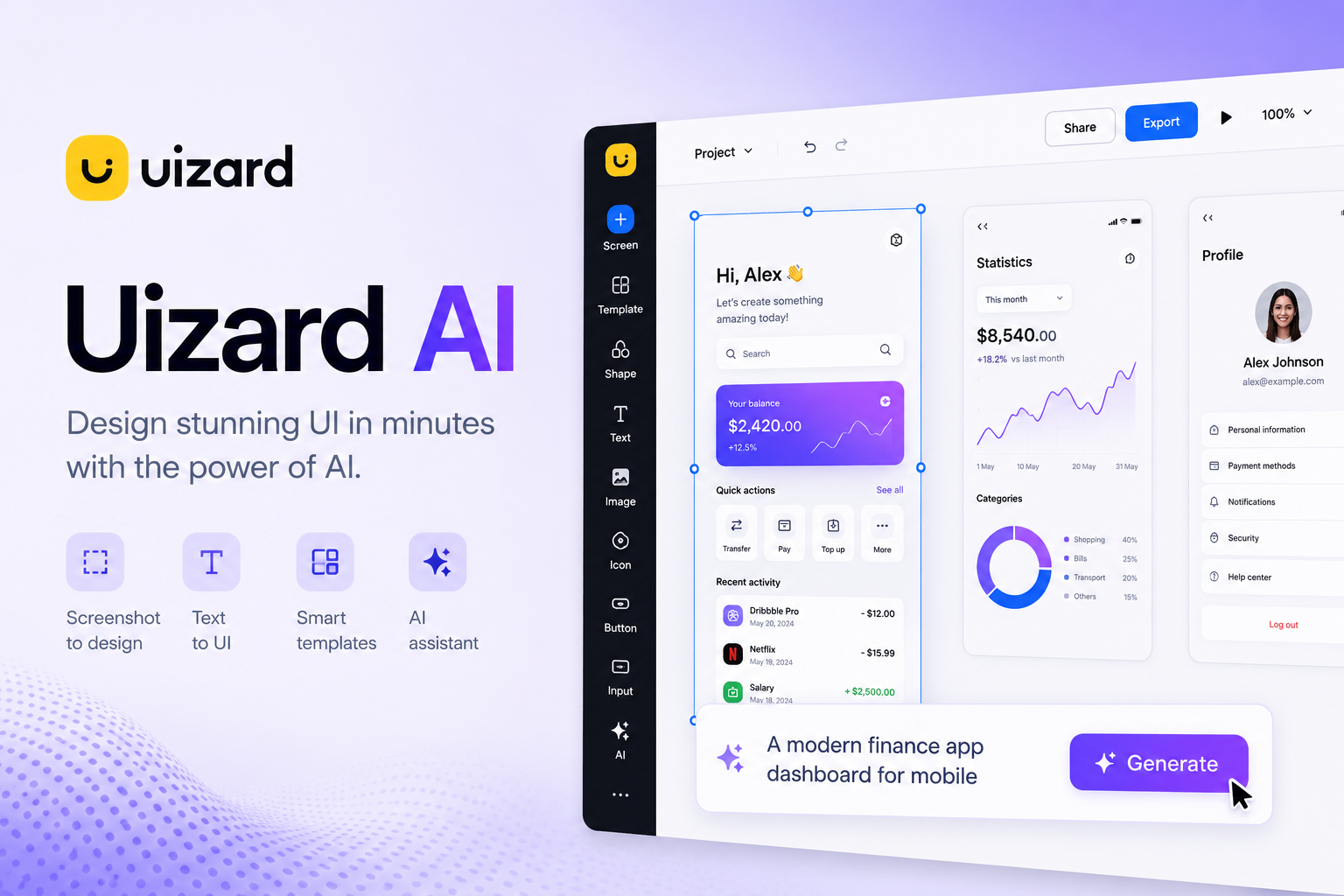
5. Uizard
Uizard converts sketches into editable UI designs.
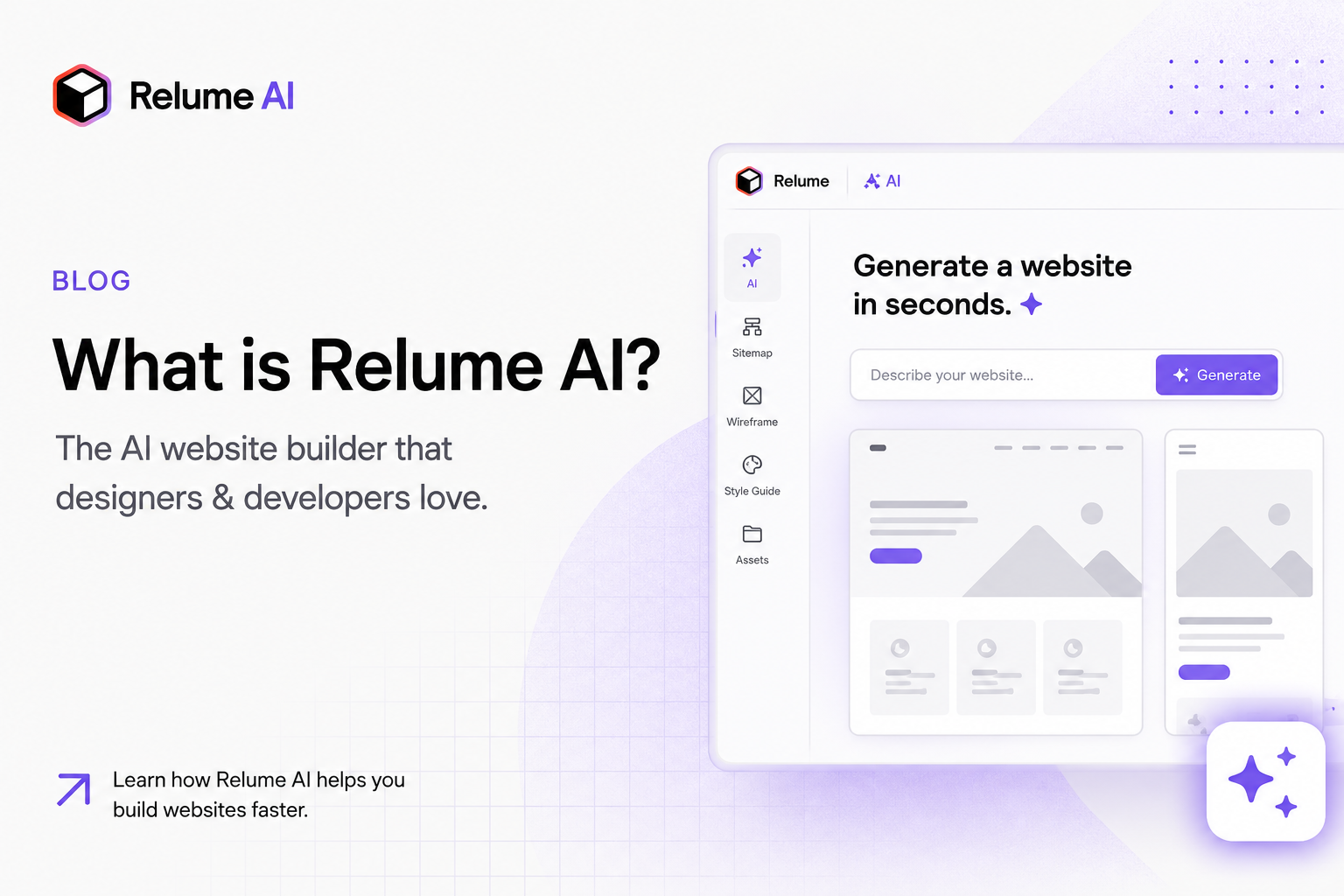
6. Relume AI
Generate complete website sitemaps, wireframes, and copy within minutes.
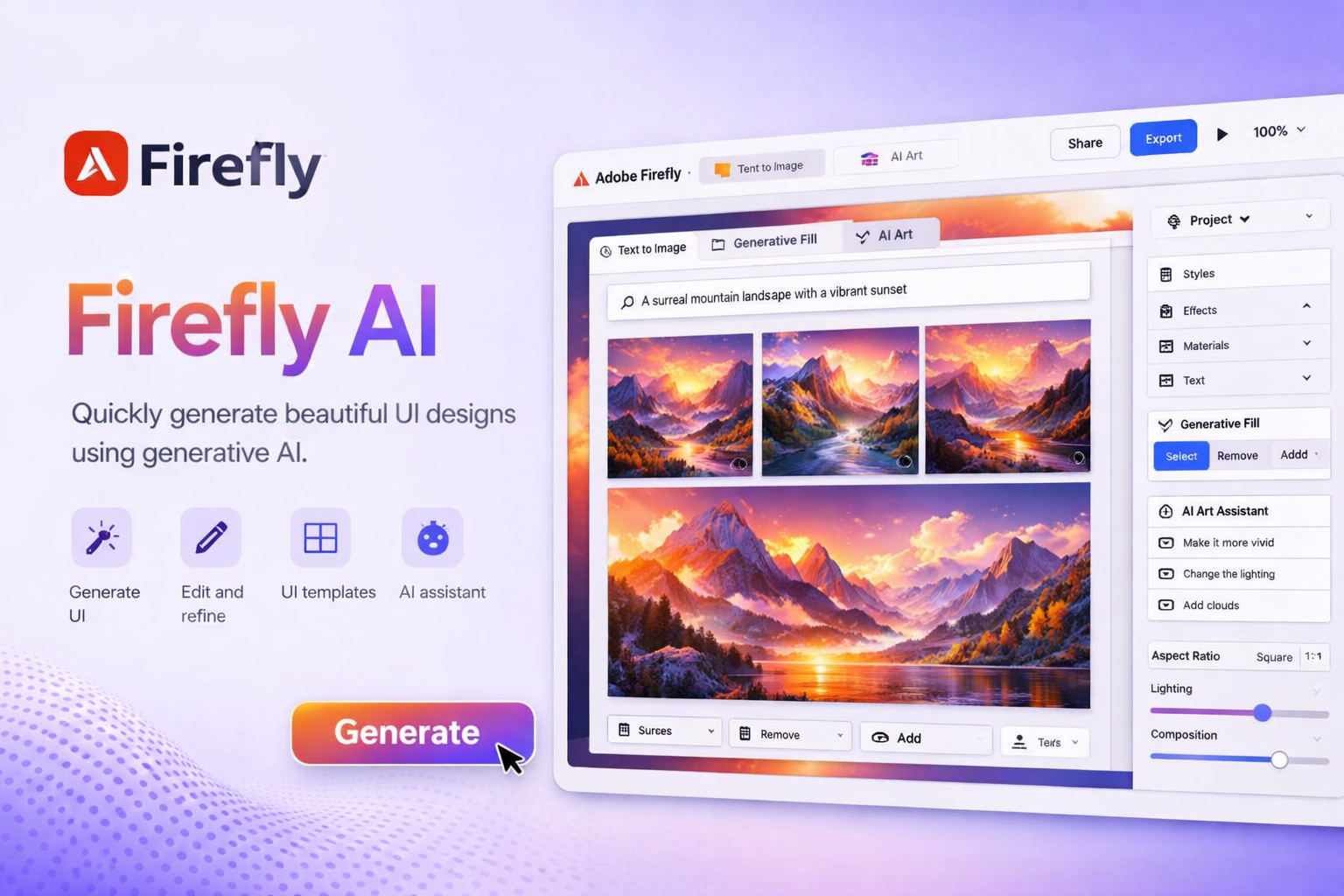
7. Adobe Firefly
Adobe Firefly allows designers to create AI-generated graphics, illustrations, and image edits directly inside Adobe products.
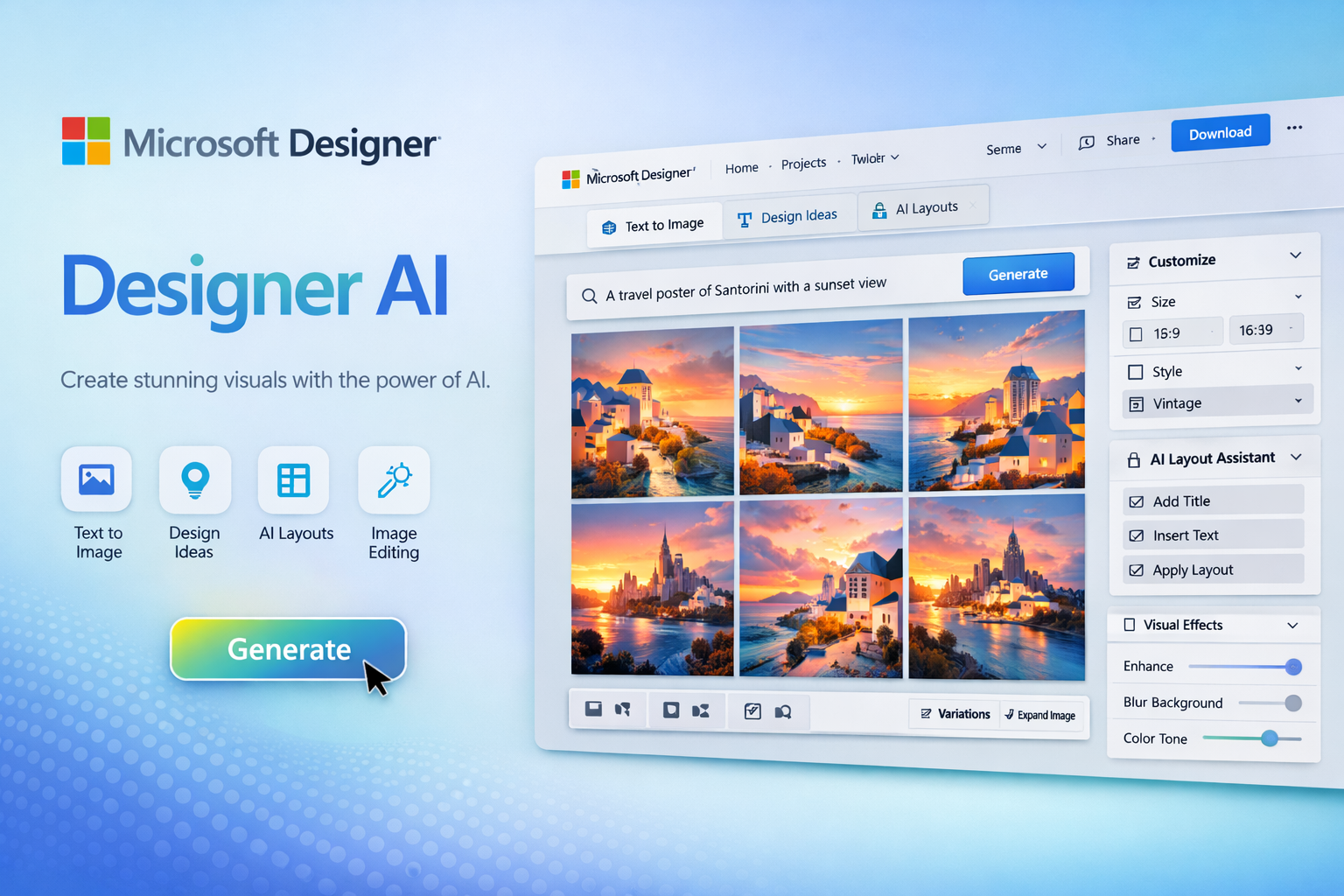
8. Microsoft Designer
Create social media graphics, posters, thumbnails, and presentations using AI.
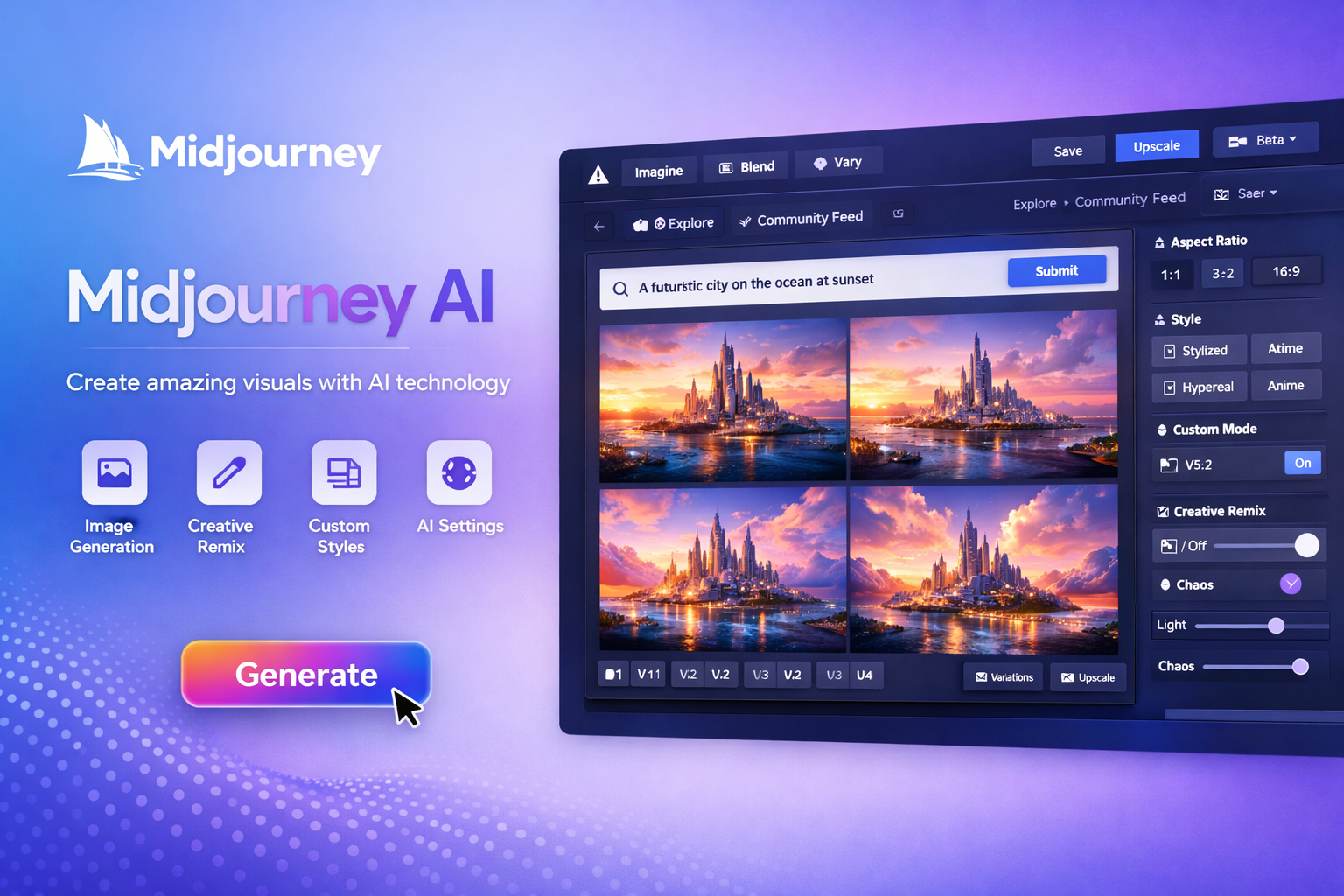
9. Midjourney
Midjourney remains one of the best AI image generation platforms for concept art, UI inspiration, and creative illustrations.
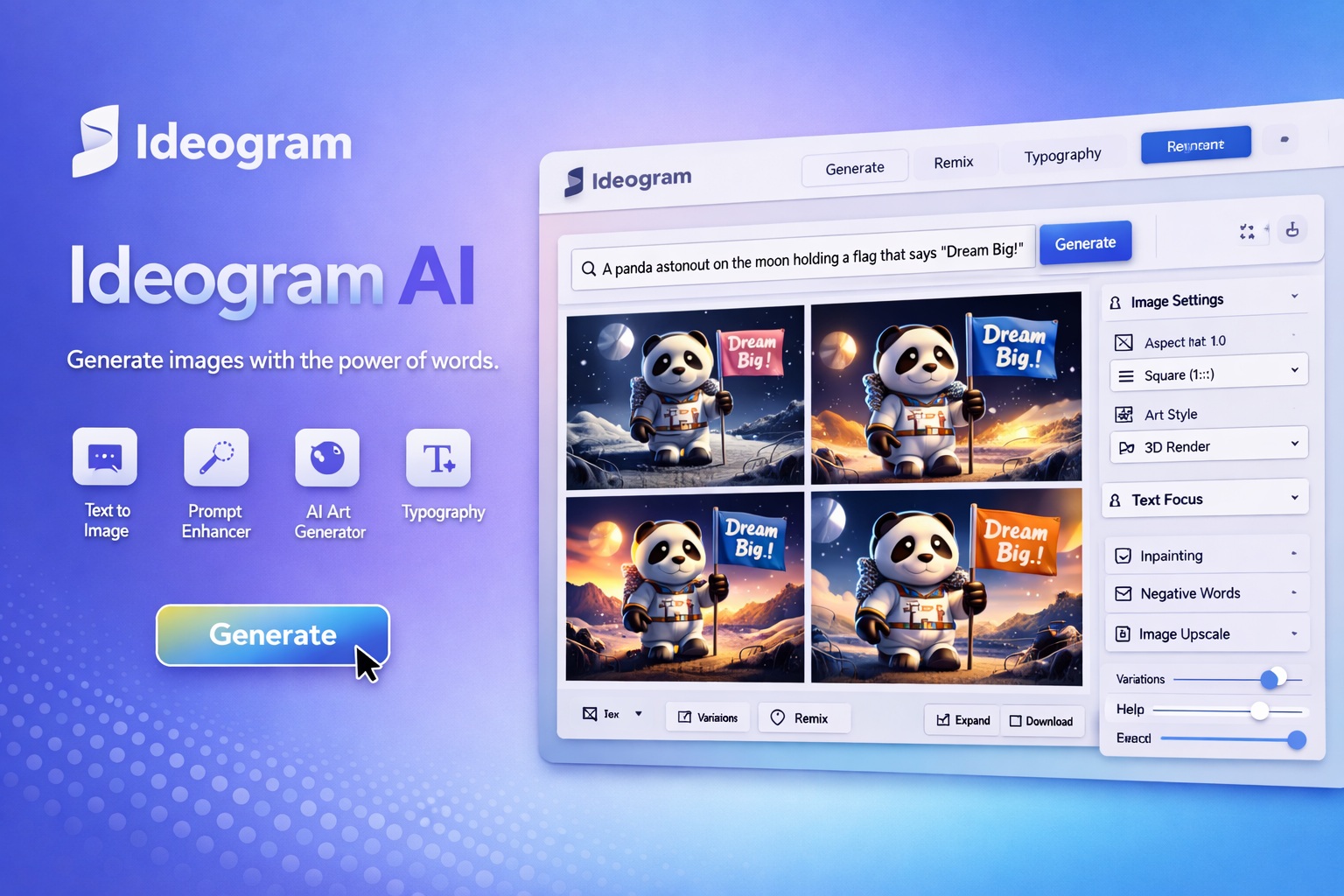
10. Ideogram AI
Ideogram specializes in generating typography-focused AI images, making it perfect for logo and poster design.
Comparison Table
| Tool | Best For | Free Plan |
|---|---|---|
| Figma AI | UI Design | Yes |
| Google Stitch | Website Design | Yes |
| Framer AI | Landing Pages | Yes |
| Canva AI | Graphics | Yes |
| Adobe Firefly | Images | Limited |
Final Thoughts
AI design tools have become essential for modern designers and developers. Whether you’re creating websites, mobile apps, social media graphics, or presentations, these tools dramatically reduce design time while improving quality.
If you’re just starting, try Canva AI or Microsoft Designer. For professional UI work, Figma AI, Framer AI, and Google Stitch are excellent choices.