Modern websites are no longer static. Smooth animations can improve user engagement, guide attention, and create memorable experiences. One of the most powerful animation libraries available today is GSAP (GreenSock Animation Platform). In this article, you’ll learn what GSAP is, why developers love it, and how to create professional-quality animations with just a few lines of code. We’ll cover basic animations, timelines, scroll-triggered effects, and best practices for optimizing performance.
Introduction
In today’s web development landscape, users expect websites to feel smooth, interactive, and engaging. Animations help create these experiences by providing visual feedback, guiding user attention, and making interfaces feel more alive.
While CSS animations are useful for basic transitions, they can become difficult to manage when building complex sequences or interactive effects. This is where GSAP (GreenSock Animation Platform) stands out.
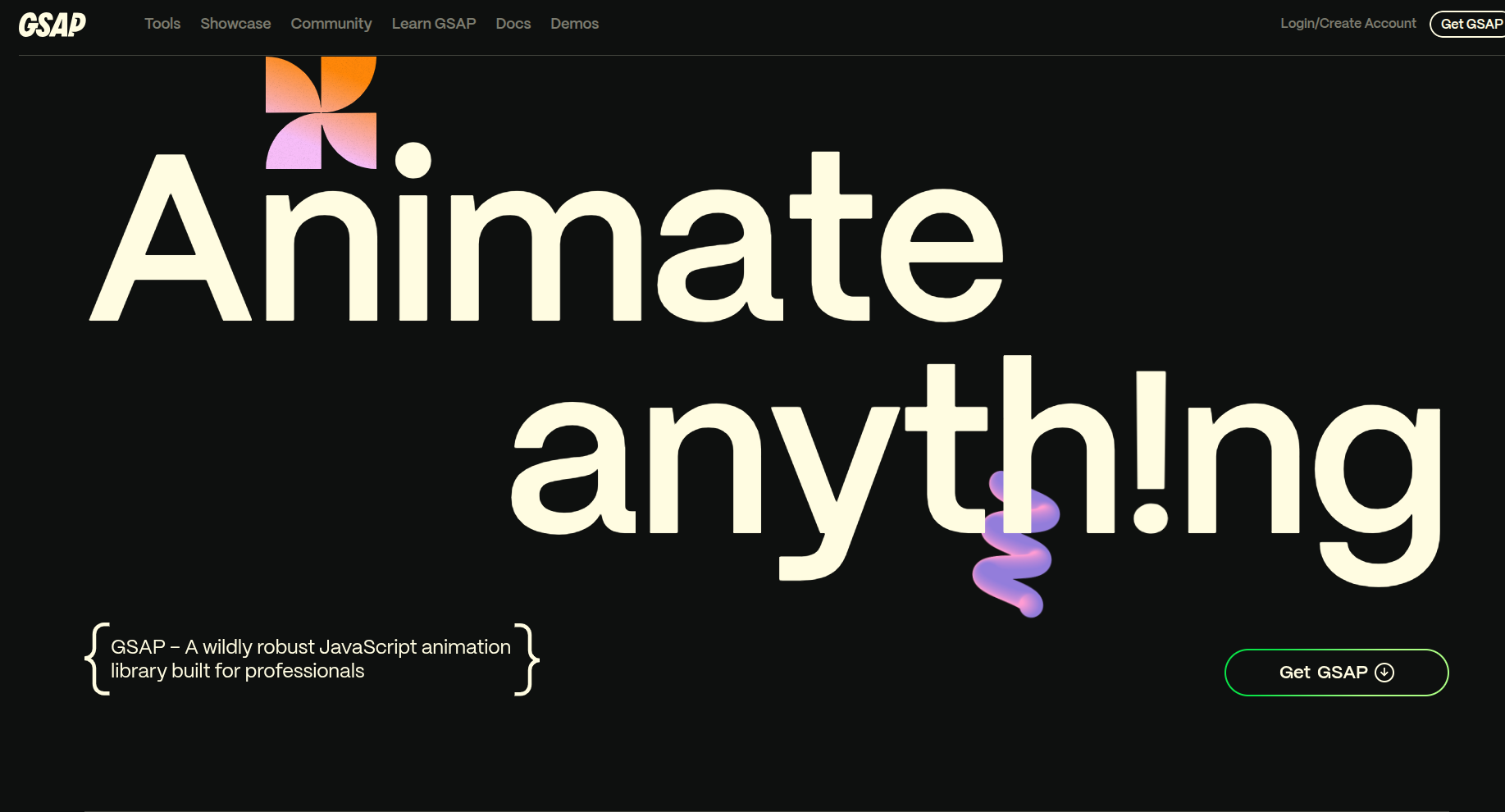
GSAP is a powerful JavaScript animation library that allows developers to create high-performance animations with precise control. Whether you’re building a portfolio, landing page, SaaS dashboard, or e-commerce website, GSAP provides the tools needed to create professional-grade animations that work consistently across browsers.
What is GSAP?
GSAP (GreenSock Animation Platform) is a JavaScript library designed specifically for creating fast and reliable animations on the web.
Unlike traditional CSS animations, GSAP gives developers complete control over:
- Position and movement
- Scaling and rotation
- Opacity and visibility
- SVG animations
- Scroll-based effects
- Complex animation timelines
GSAP is trusted by many companies and developers because of its performance, flexibility, and extensive feature set.
Why Use GSAP?
1. High Performance
GSAP is optimized for smooth animations and can handle complex sequences without causing performance issues.
2. Easy to Learn
Its syntax is simple and intuitive, making it easy for beginners to start creating animations quickly.
3. Cross-Browser Compatibility
Animations behave consistently across modern browsers, reducing the need for browser-specific fixes.
4. Powerful Timeline System
Developers can organize multiple animations into a single timeline, making complex sequences easier to manage.
5. Scroll-Based Animations
With plugins like ScrollTrigger, animations can react to scrolling, creating engaging storytelling experiences.
Installing GSAP
If you’re using a modern frontend framework such as React, Vue, or Angular, install GSAP using npm:
npm install gsapThen import it into your project:
import { gsap } from "gsap";Creating Your First Animation
Let’s animate a simple box moving across the screen.
gsap.to(".box", {
  x: 300,
  duration: 2
});
What Happens Here?
-
.boxselects the element. -
x: 300moves it 300 pixels horizontally. -
duration: 2completes the animation in 2 seconds.
The result is a smooth movement from the element’s current position to its new location.
Adding More Effects
GSAP can animate multiple properties at once.
gsap.to(".box", {
  x: 300,
  rotation: 360,
  scale: 1.5,
  opacity: 0.5,
  duration: 2
});
This animation:
- Moves the box
- Rotates it completely
- Increases its size
- Changes its transparency
All simultaneously.
Understanding Timelines
As projects grow, managing individual animations becomes difficult.
GSAP’s Timeline feature solves this problem.
const tl = gsap.timeline();

tl.to(".title", {
  opacity: 1,
  y: 0,
  duration: 1
})
.to(".subtitle", {
  opacity: 1,
  y: 0,
  duration: 1
})
.to(".button", {
  scale: 1,
  duration: 0.5
});
Benefits of Timelines
- Better organization
- Easier sequencing
- Precise control
- Reusable animations
Timelines are especially useful for hero sections and onboarding animations.
Scroll-Based Animations with ScrollTrigger
One of GSAP’s most popular features is ScrollTrigger.
Install and register it:
import { gsap } from "gsap";
import { ScrollTrigger } from "gsap/ScrollTrigger";

gsap.registerPlugin(ScrollTrigger);
Create a scroll animation:
gsap.from(".card", {
  y: 100,
  opacity: 0,
  duration: 1,
  scrollTrigger: {
    trigger: ".card",
    start: "top 80%"
  }
});
What This Does
When the card enters the viewport:
- It fades in
- Moves upward
- Creates a smooth entrance effect
This technique is commonly used on landing pages and portfolio websites.
GSAP